Bank offer didn't apply at checkout? These 7 reasons cover almost every case
The offer was printed clearly on the product page. You paid with the card it named. And the total on the payment page stayed exactly the same. This almost always comes down to one of seven things, and every one of them can be checked before you pay.
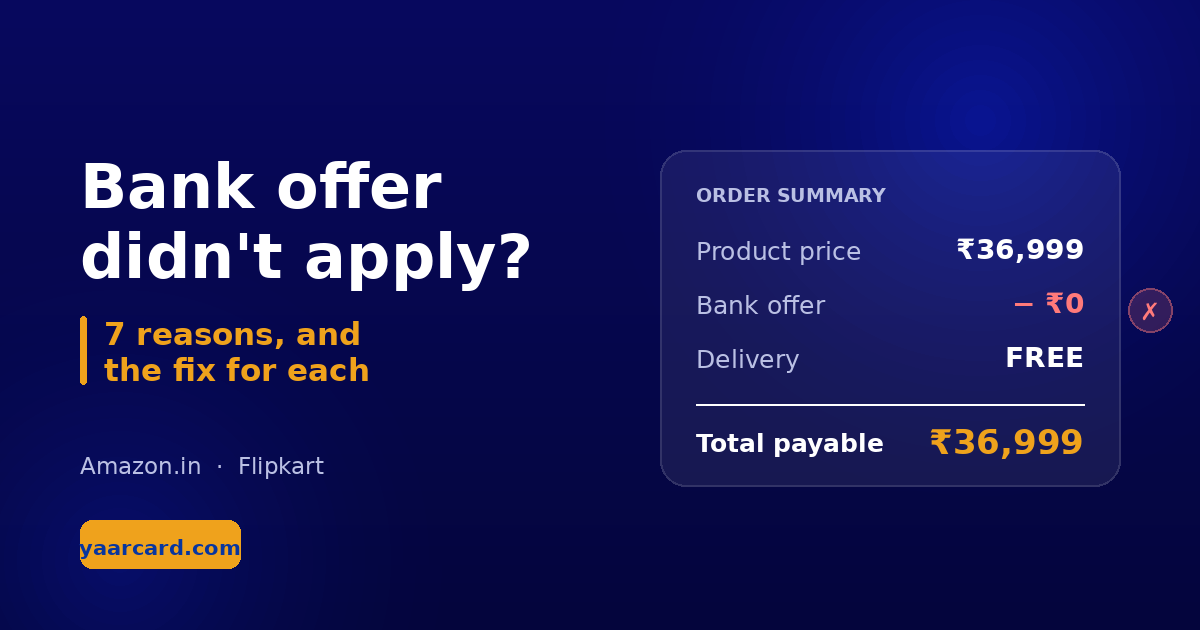
The most common complaint: the offer showed, the discount never came off.
First, know where the discount actually appears
A bank offer does not reduce the price on the product page. It applies on the payment page, after you select the card. Until you pick that card, the total will not change at all. Plenty of people panic at this point and assume the offer is broken, when it simply hasn't been triggered yet.
Select the card first, then look at the total. If there is still no change, one of the seven reasons below applies.
1. The minimum purchase value wasn't met
Nearly every bank offer carries a minimum spend — "on orders of ₹5,000 and above". If your cart falls below that line, the offer stays silent. It does not warn you, and it does not explain itself.
The fix: read the whole offer line. A minimum on the cart total and a minimum on a single item's price are different conditions. And the check usually runs on the amount left after coupons and other discounts come off, not on the sticker price.
2. The card's full name doesn't match
The offer says "Flipkart Axis Bank Credit Card" and you hold a regular Axis card. Those are two different products. Co-branded cards are issued separately from the bank's other cards, with their own terms.
The fix: you need the exact card named in the offer, not just a card from that bank. Matching the bank name alone is not enough — this post explains the difference in full.
3. The offer was for EMI, and you paid in full
Many of the largest discounts apply only to No Cost EMI or "EMI transactions". When you pay the whole amount at once, the transaction is not an EMI, so the offer has nothing to attach to.
The fix: look for the word "EMI" in the offer line. Only when it says "EMI and non-EMI" does it apply to both — the difference between the two is covered here.
4. It was a credit card offer and you used a debit card
The same bank runs separate offers for its credit and debit cards, and the discount is often limited to credit cards. Occasionally it works the other way round.
The fix: check whether the offer says "Credit Card", "Debit Card", or both. Net banking and UPI offers are a third category again, with their own terms.
5. The offer ran out for the day
Sale offers usually carry a daily cap — a limited number of customers, or a fixed pool of discount to hand out. Once that cap is hit, the offer keeps showing on the page but stops applying at checkout.
The fix: there isn't one you control. Buying early in the day during a sale makes it less likely, and trying again the next day often works, since these caps typically reset.
6. The product or the seller isn't covered
Offers rarely cover an entire store. Categories like gold, groceries, gift cards and recharges are commonly excluded, and sometimes the offer applies only when the item ships from one particular seller.
The fix: check the seller name on the product page. The same product is often listed by several sellers, and the offers attached to each listing can be different.
7. That card has already used the offer
"Once per card", "once per customer", "once per month" — these limits sit in the offer's terms. If you already used it with that card this month, it will not apply a second time.
The fix: try another eligible card if you have one. This condition is usually printed in the smallest text at the bottom of the terms, which is exactly why it gets missed.
A 30-second check before you order
- Read the full offer line, not just the bank name.
- Match the card's full name against the card you hold.
- Check both the minimum purchase and the maximum discount.
- Confirm whether it is an EMI or a non-EMI offer.
- Select the card on the payment page, then check the total.
Step five is the only one that gives you a real answer. Everything before it is a promise.
If everything matched and it still didn't apply
Some banks don't take the discount off at checkout at all. They credit it later as cashback on your statement. If the offer says something like "cashback within 90 days", a full total at checkout is correct behaviour, not a failure.
If every condition was met, there was no cashback clause, and nothing arrived — take a screenshot and raise it with the store's customer care. With an order ID attached, these cases are usually resolved.
Want all of this checked automatically?
YaarCard reads the bank offers printed on Amazon.in and Flipkart product pages and tells you which of your own cards saves the most. It handles the minimum purchase, separates EMI-only offers from instant discounts, and knows the difference between a co-branded card and a regular one. It's free, and it never asks for a card number.
Add YaarCard to ChromeBank offers change constantly and every offer carries its own terms. What's described here are common patterns, not a guarantee about any specific offer. Read the terms yourself before you pay. YaarCard is an independent project and is not affiliated with any bank or store.